

Wedding photo sharing
Wedding photos from every guest, in one shared album.
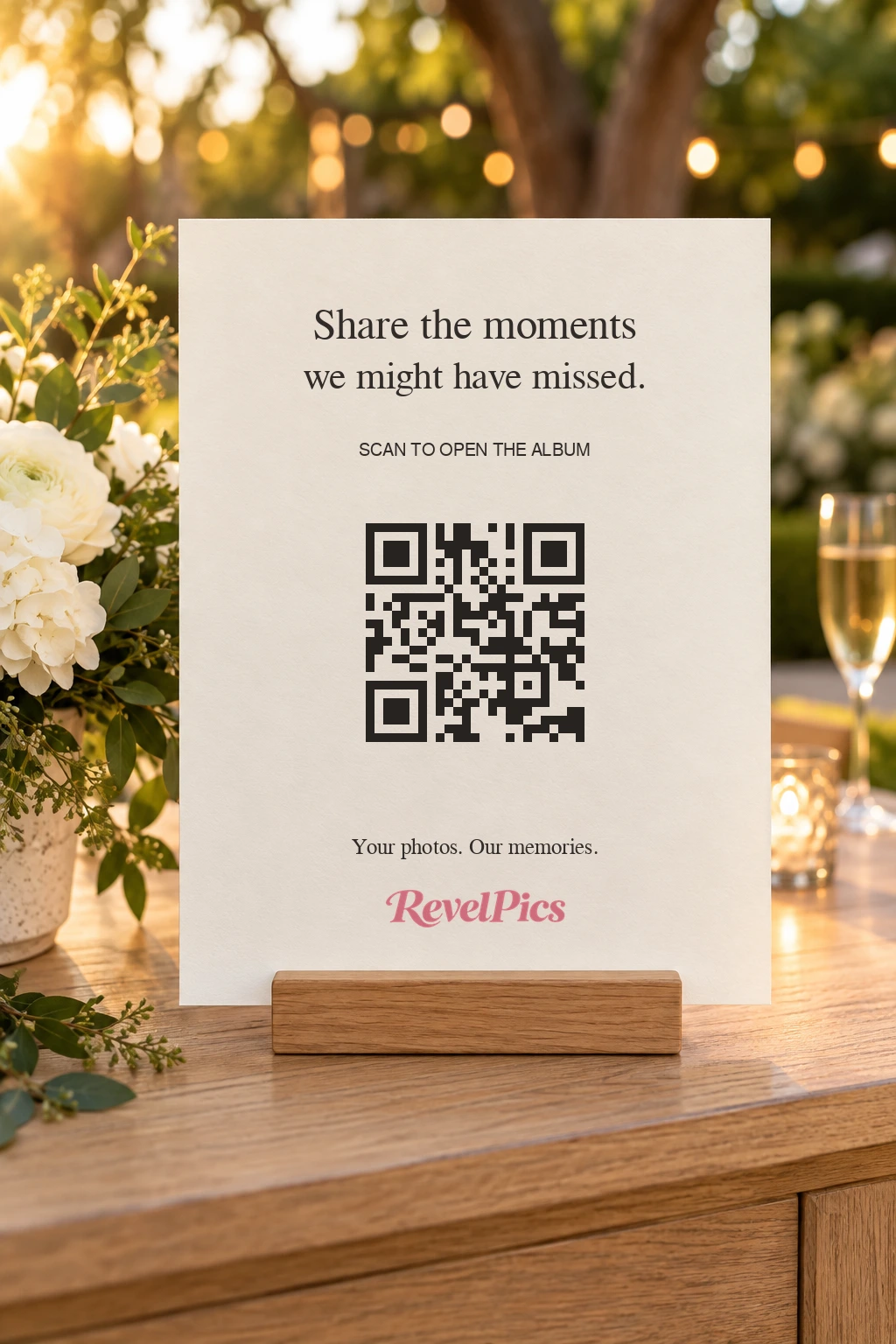
One QR code on the tables opens your wedding album in a phone browser. Guests choose the photos they want to add, and the originals stay at full resolution. There is no guest app and no guest account.
One-time plans from US$19. No subscription.

Three steps for a guest
From their phone to your album
Scan the code
The card on the table opens the album straight in the browser. Nobody installs an app or creates an account.
Choose the photos
Guests pick from the photos already on their phone, or take one with the camera button. Only the photos they choose are added; nothing uploads in the background.
Everyone sees the same album
Each photo joins one shared album. The original files stay at full resolution for you to download.

Where the code works best
Four places to put it on the day
On the tables
One card per table lets guests add photos without leaving their seat.
On the welcome sign
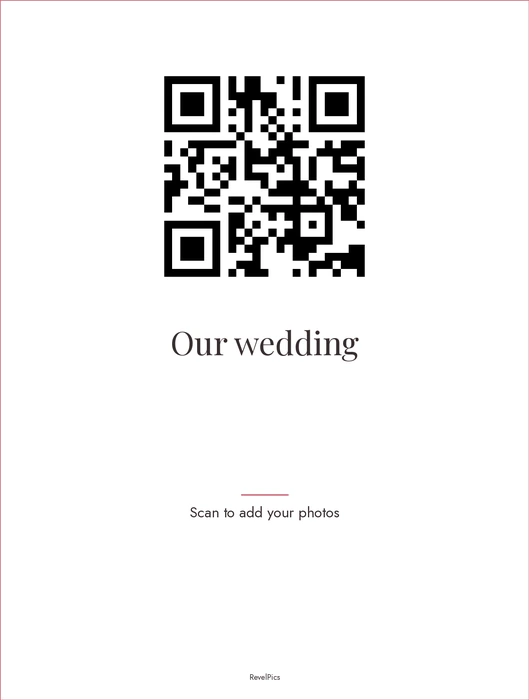
A larger sign at the entrance catches guests as they arrive, before the ceremony begins.
In the reception announcement
A short mention before speeches gives everyone the moment to add what they already took.
In a follow-up message
Share the same link again the next day, while the photos from the night are still on every phone.
For wording you can adapt, a printing checklist and the practical differences between placements, read the wedding photo QR code sign guide. Open the sign guide
Inside the album
A gallery your guests can actually use
Every plan includes the shared gallery, likes on photos and full-resolution downloads. Guests can browse on the same phone they used to add their photos.
Real product screen from a sample album. Photos and names are illustrative, not a testimonial or a customer story.

One payment, no subscription
A plan sized for one wedding
The Photos plan is US$19 for one album with 10 GB of storage. Guests can add for 90 days, and the album stays online for 90 days. One payment, no subscription.
- Video clips
- Included on Celebration, Signature, Premium
- Guestbook
- Included on Celebration, Signature, Premium
- Slideshow
- Included on Celebration, Signature, Premium
Questions before the day
The details that decide it
Short answers to what couples ask before they put a code on the tables.

Do wedding guests need an app or an account?
No. The code opens the album in the phone browser. Guests do not install anything and do not create an account to add or download photos.
How do guests add their photos?
They scan the code, then choose photos from their camera roll or use the camera button. Adding is always deliberate: the album never uploads photos from a phone on its own.
Who can open the wedding album?
Anyone with the link or the QR code can open the album, and you can add a guest password for more privacy. That protects the album, but it is not an invitation-only list: a guest who has the link and the password can share it with someone else.
Do guests pay anything?
No. You pay once for the plan. Guests add photos and download the originals without paying and without an account.
When does the plan time start?
The clock starts on the event date you set, not the day you buy, so you can prepare the album early. On the Photos plan, guests can add for 90 days and the album stays online for 90 days.
Can we download the originals before the album closes?
Yes. Download the originals while the album is online, and keep your own copy. Once the plan ends and the files are removed from storage, they cannot be recovered.
Can we print the QR code ourselves?
Yes. Every plan includes a printable QR sign. Print it at home or through a print shop; the printing itself is not included.
What resolution are the wedding photos?
The originals are stored as they were taken and downloaded at full resolution. The gallery shows quick previews, and the download gives you the full-size file.
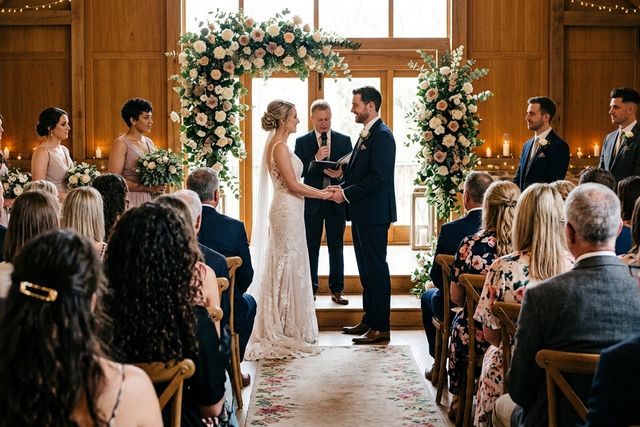
One album for the day, and everyone in it.
Try the demo album in your own browser, then choose a plan when you are ready. One payment, no subscription.